How to Register Your Tag: A Simple Step-by-Step Guide
1
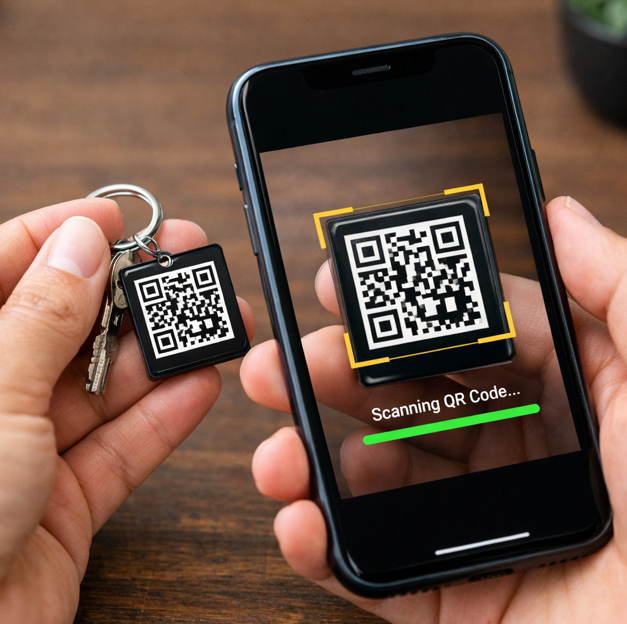
Scan the Item QR Code
Simply scan the QR code on your tag using your phone's camera.
2
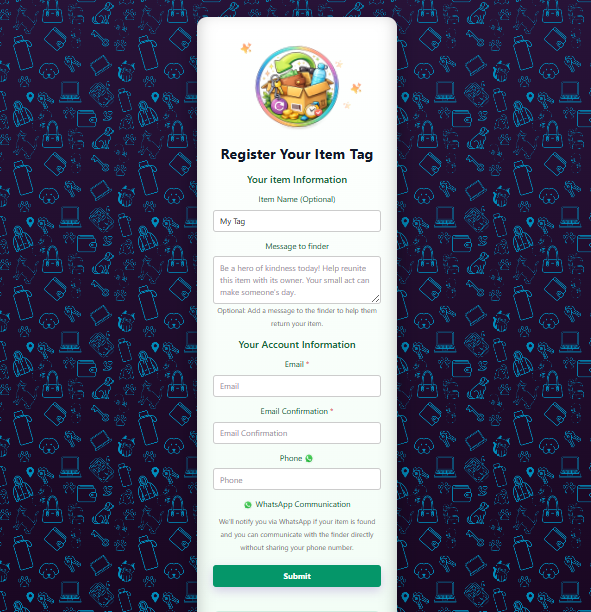
Fill Out the Registration Form
You'll be taken to a simple registration form. Give your tag a name and fill in your account details.
3
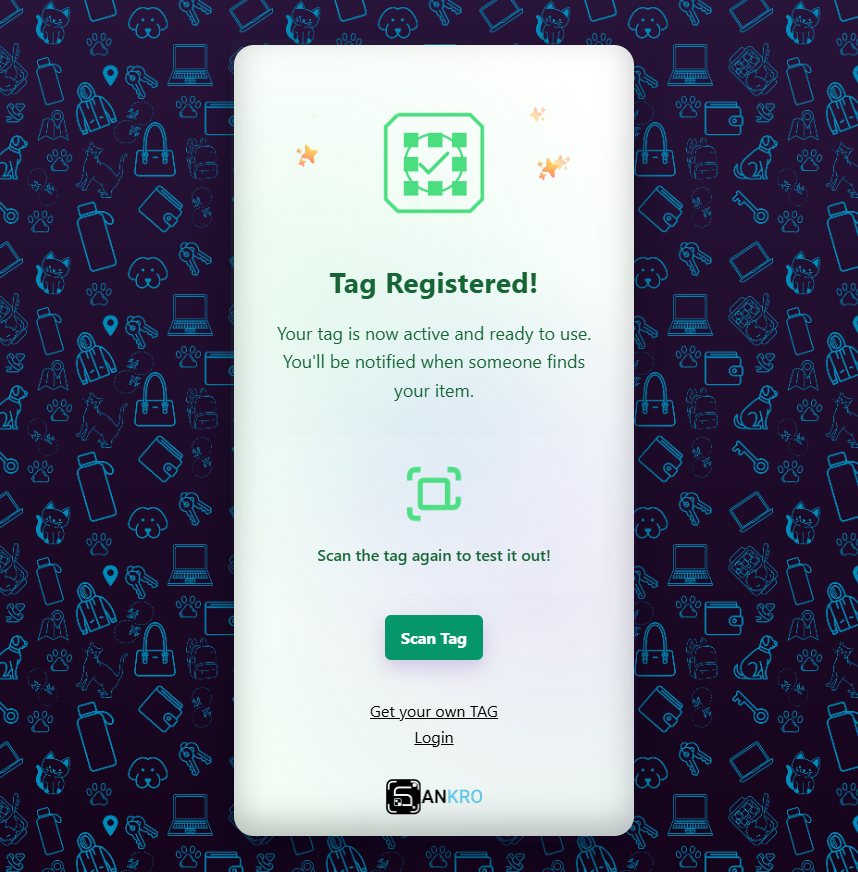
Submit Registration
Submit the form, and your tag will be attached to your account.
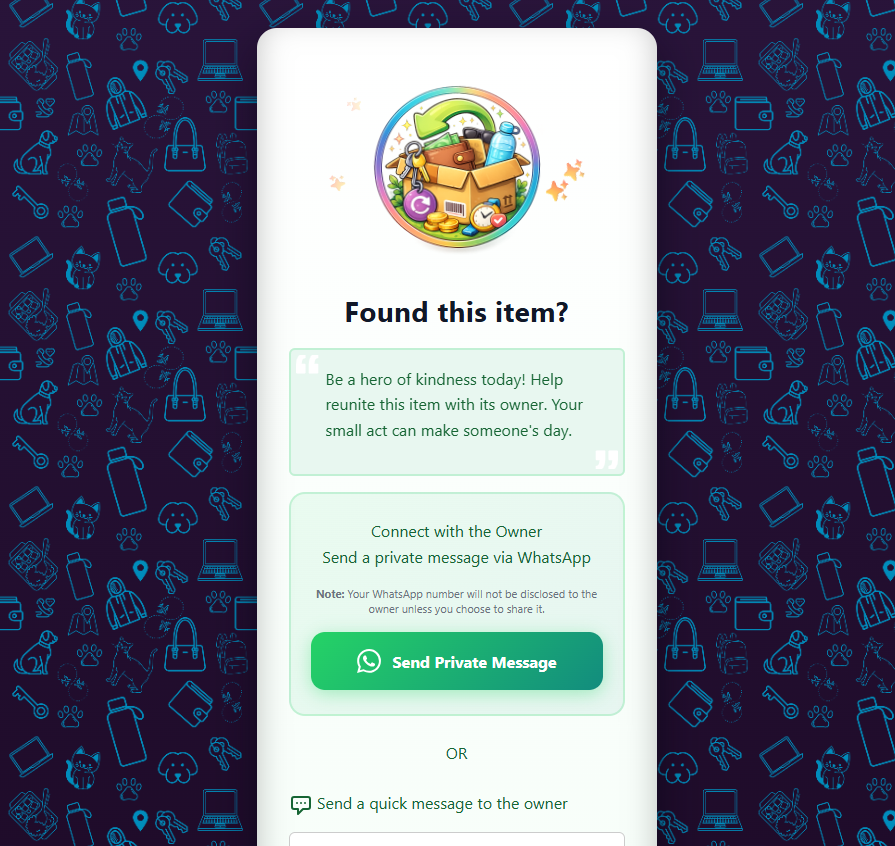
4
Contact Page on Next Scan
Now, when your tag is scanned again, it will open the contact page so finders can reach you securely.
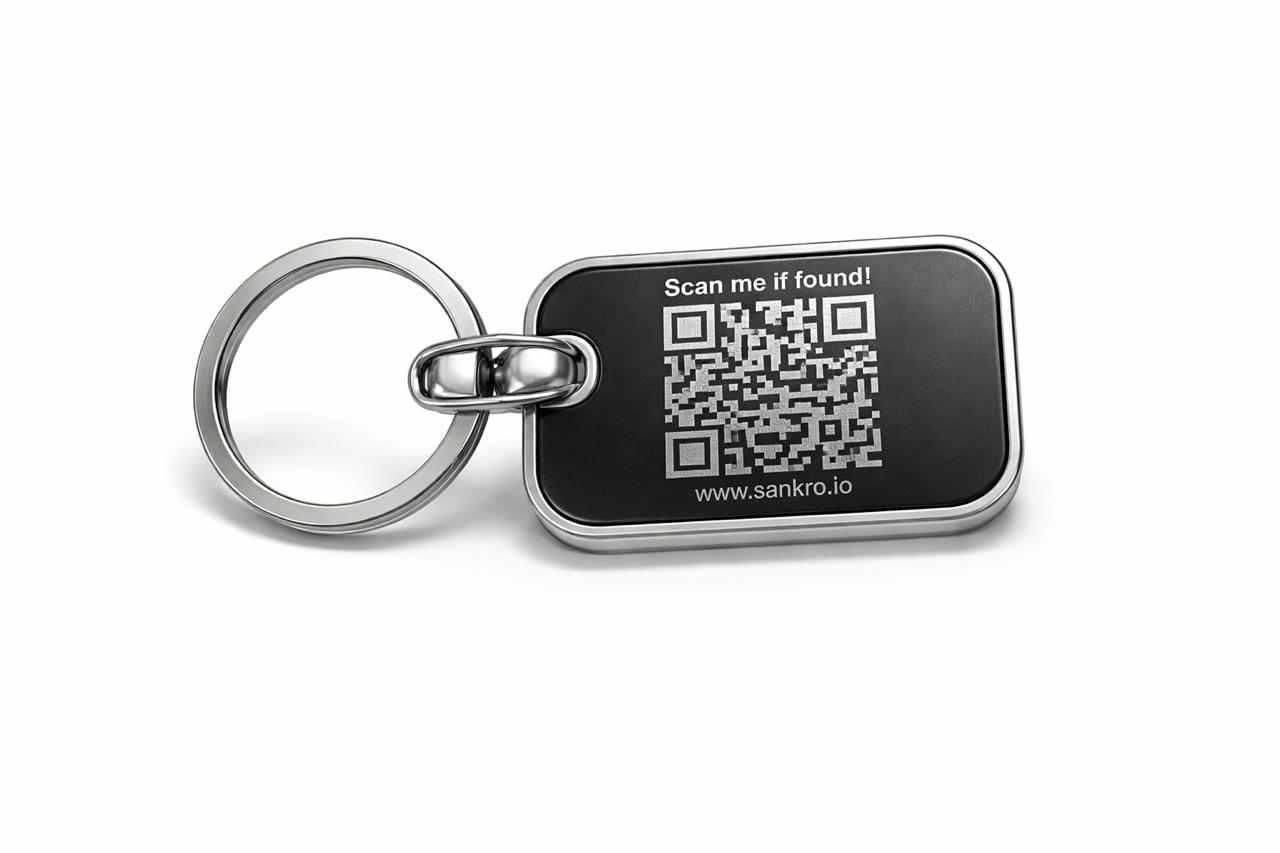
How SANKRO.IO Tags Work
1
Attach Your Tag
Stick or clip the SANKRO.IO tag to anything important—keys, bottles, bags, laptops, pet collars or luggage—anywhere a finder can easily spot and scan the QR code.
2
Finder Scans the QR
When someone finds your item, they simply scan the QR code with their phone camera. A secure web page opens with your custom message and safe ways to contact you.
3
You Get an Instant Alert
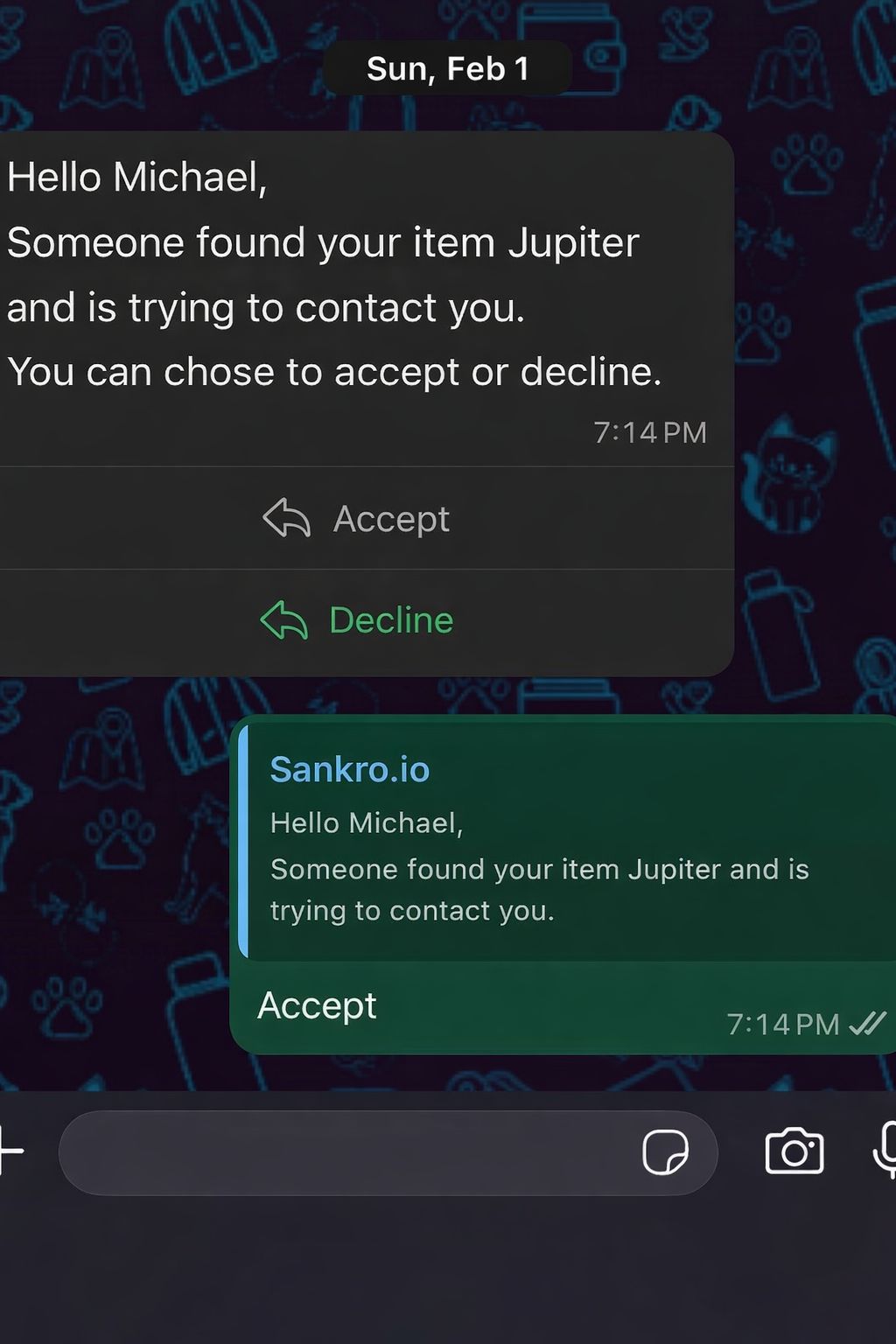
You get a notification on WhatsApp and can communicate with the finder—only if you approve the chat—without ever sharing your phone number with the finder.
Video: How SANKRO.IO Tags Work
After registering your tag, simply attach it to your item. If someone finds your lost item, they just scan the QR code on the tag. Instantly, you'll receive a secure notification (such as a WhatsApp message) and can communicate with the finder—without ever revealing your personal contact information.